From poking around my dataset(s) before this assignment, I knew that there’s a good amount of data cleaning to be done. My data on 19th century American children’s book publishers is actually made up of multiple datasets, so I focused on the one of publishers and their addresses, with the following fields: name, start (date), end (date), street, city, state, and country.
When I uploaded my data to OpenRefine and tried out the facet tool, I got a message that my data has too many different values for the facets to display. I think the most useful tool for me was the ability to sort may data, in order to find values that that stand out. For example, sorting the start year in ascending order revealed start dates like 1, 8, or 183–which I know, from context, are erroneous.
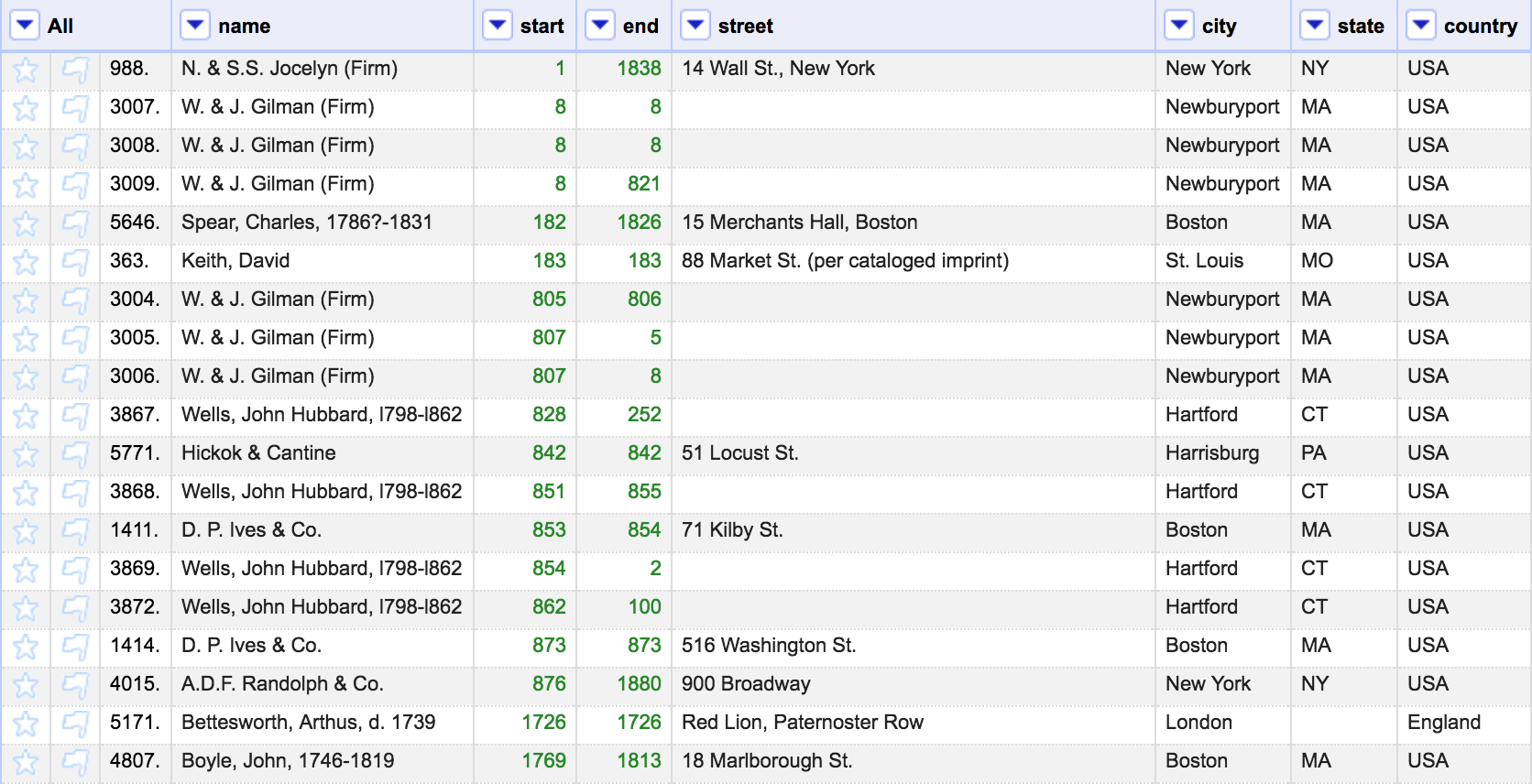
It’s also helpful for finding blank cells, like entries with no dates listed. One possibility for this data would be a timeline of active book publishers; to do this, I would begin my removing rows with no date data.
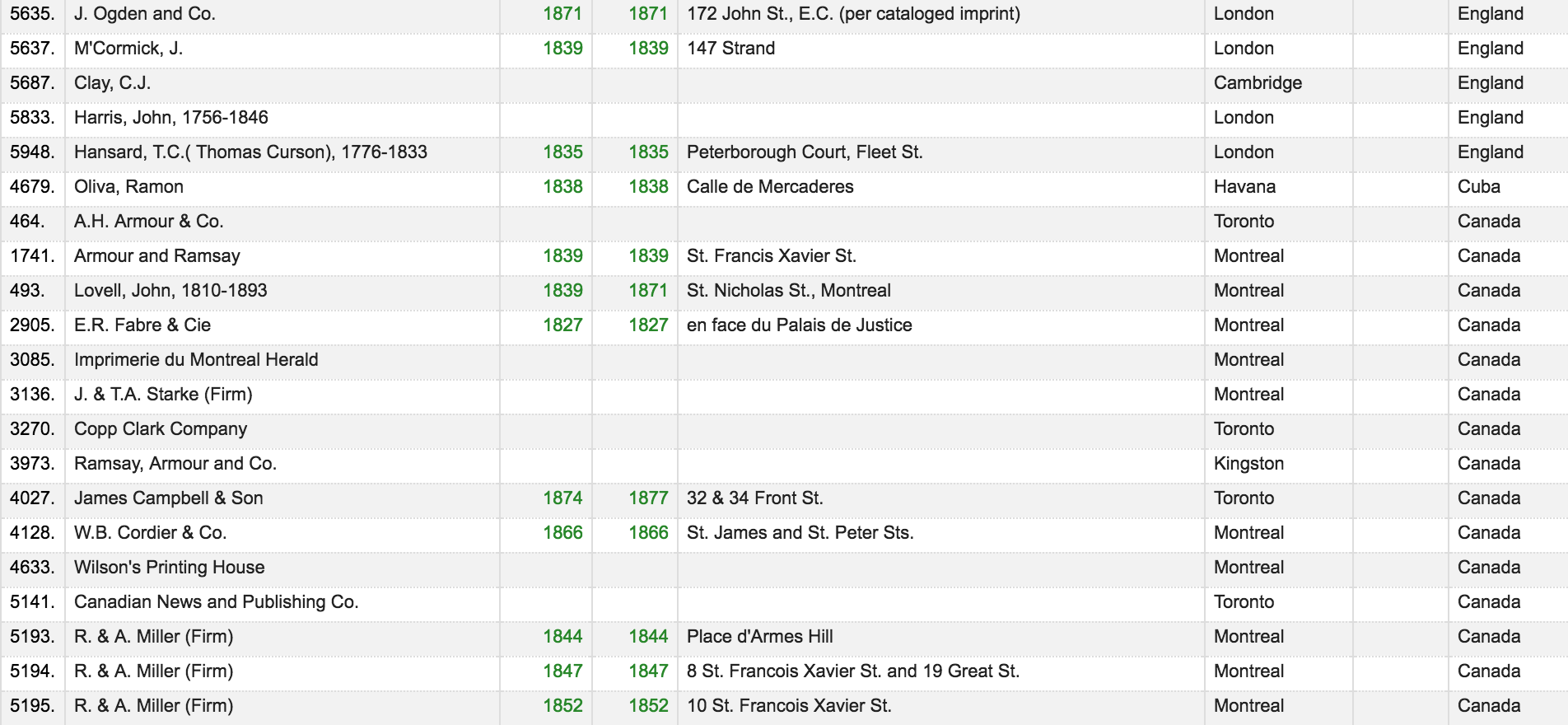
Since this dataset is of American publishers, I was confused to see addresses in other countries listed. If i wanted to look at the locations and movement of publishes in the United States, I would remove the rows with addresses in other countries.
Something I would like to be able to do is merge 2 related datasets. My group’s datasets have columns labelled RTID and HDID, with numerical data in the columns. These numbers don’t have any meeting within their original datasets, but a look through the other datasets reveals that the numbers correspond to information. For example, a ‘1’ in the RTID column corresponds to the role of ‘Publisher’.
I’d like to learn more about the tools that are specific to data-processing tools like OpenRefine, because I feel like the functions I mentioned above could also be carried out in Excel, which I am more familiar with.