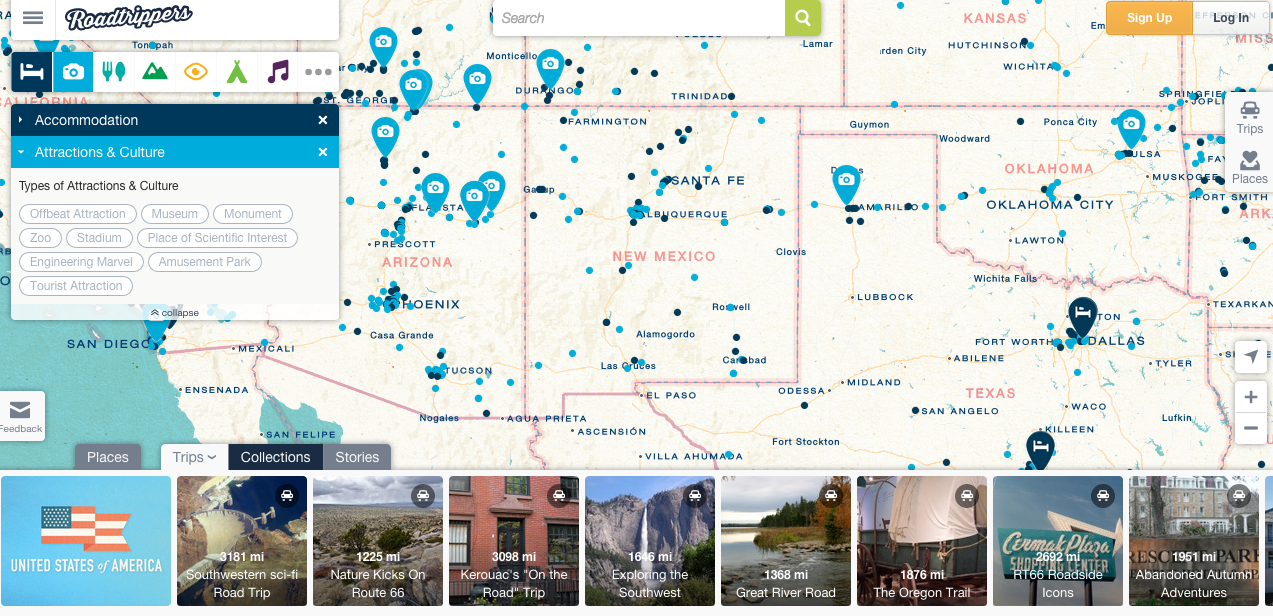
Jim Detwiler talked about all the different types of web mapping, and it was really interesting to think about mapping websites I’ve used and realize what type of mapping it was. Web mapping is used so much nowadays! You can find it anywhere, and we often use it a lot (Google Maps, anyone?). I thought a really cool website to talk about is Roadtrippers.com. It is a super interactive website where one can find different places to visit/lodge/eat around the United States. The different options and features available make this a super interactive web map. You can personalize which city you’d like to visit, and you can even look at different routes! The fact that one can choose a route makes this also an analytic web map. It gives you options to “scenic routes” and also has pre-made routes depending on what type of activities you enjoy. Not only is this website interactive and analytical, it is also collaborative. Each site can be reviewed by others who have visited therefore each location has a “heart” with a number out of 5. There are also “stories” that one can look through, which gives further suggestions on where to go (example: America’s Six Most Insane Oddest Natural Wonders).
Roadtrippers is an amazing tool that uses many different types of web mapping, making it super interactive, customizable, and collaborative for anyone to use. All these features do have a downside, although. I feel like the website has A LOT going on and it sometimes gets a big confusing and overwhelming. When you first go on the website, you don’t really know where to go first. It is necessary to just click around the website to know what feature you’d like to use. The “trips,” “collections,” and “stories” options are all similar and all work towards the same goal, so at times it may seem a bit repetitive. Nonetheless, the website has many amazing features. For example, when you want to find accommodations, you click on the blue bed icon and little blue dots appear on the map. You can narrow your search further by clicking on the different types: hostel, chain hotel, spa, cottage/cabin, etc.
You can also click multiple icons, let’s say accommodations (in blue) and attractions (in light blue) and they’ll both appear on the map so you can know which ones are near to each other so you can efficiently plan your trip.
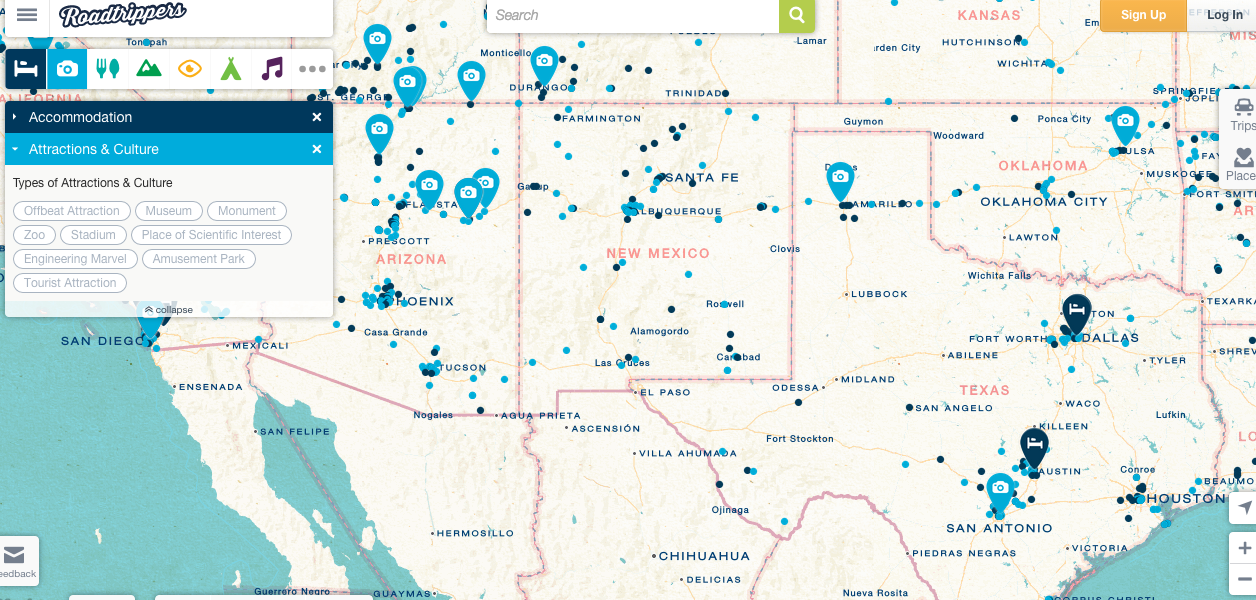
Overall, the website may be a BIT too much, but still very cool and helpful nonetheless.