
Every year, I spend some time introducing students to the mechanics of machine learning with neural nets. I definitely don’t go into great depth; I usually only have one class for this. But I try to unpack at least some of the major concepts, so that ML isn’t quite such a black box.
Whether you’re an AI critic or enthusiast, I find that conversations can be much more specific and productive if the participants have a basic understanding of how the tools work. That way, if students hear some kind of outlandish claim—like, that ChatGPT loves them—they can compare the claim to a mental image of how the tool actually works.
For some time, I’ve been gathering tools and activities to help me do this. (Things come and go so fast on the web that I have to do it every year!) It’s always a challenge to find high-quality tools, especially since they’re buried in layers and layers of slop. So I thought people might find it useful to see the tools gathered in one place.
These are activities and illustrations, not really readings. To read in preparation for class, I like to assign Stephen Wolfram’s “What is ChatGPT Doing…And Why Does it Work?” (Remember, I’m just laying out the mechanics with this class, not making any particular argument about AI!)
You can see how I put the tools together in a lecture here. (It’s designed for use with Pear Deck, but you can easily convert it to a regular Google Slides lecture.)
- A 1986 AT&T Bell Labs video on expert systems because I think it’s useful for students to compare ML with other AI approaches. (In this list, videos are linked to the timestamp indicating when I begin the video in lecture)
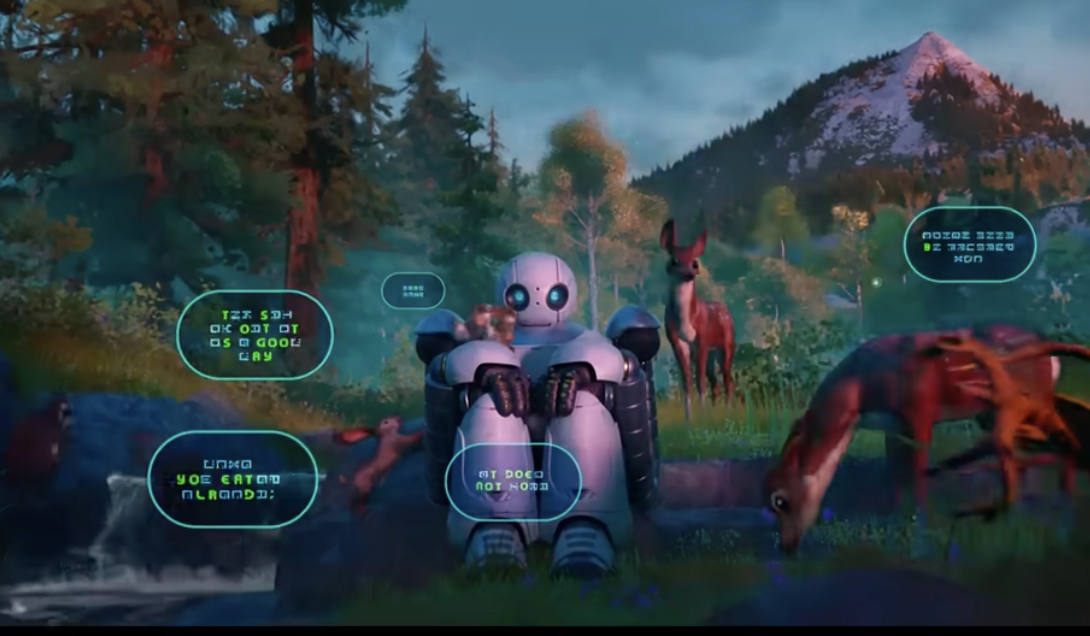
- A moment in The Wild Robot when Roz uses ML to learn to speak to animals
- A simple but helpful video on ML from Oxford
- A very simple animation of how LLMs predict the next word in a sequence (sorry, I know there’s a way to get the video out of Reddit, but I can’t figure it out)
- An interactive Washington Post article that helps students understand the composition of one LLM corpus
- What’s In My Big Data?, a more detailed analysis and comparison of several corpora
- “But What Is a Neural Network,” from the great 3Blue1Brown–I start at the linked timestamp and go for a few minutes, until he threatens to get into the math
- A series of animations (see this series, too) exploring different parts of LLMs. In class, I use 5 (“Generative AI: Artificial Neuron”), 10 (“Generative AI: Neuron Sequence”), and 24 (“Identifying Animals with AI”). The last one is a particular favorite. You do have to create an account to access some of these animations, and students won’t be able to access them easily, so they’re more of a demo than a really interactive activity.
- Google’s Teachable Machine, which allows you to train your own model. We train it in class to distinguish between students’ pens and water bottles. Sounds unwieldy, but it only takes about 10 minutes!
- My favorite simple, clear illustration of back-propagation. (You can refer them to this video if they want more detail.)
- “Exploring Neural Networks with Activation Atlases,” which attempts to help people understand what happens in networks’ hidden layers (still really confusing, TBH)
- Quick illustration of some methods of fine-tuning LLMs
- Quick illustration of RAG
- (Pretty advanced and detailed) LLM visualization
- Neural Network Playground
- Some great hands-on activity ideas (it says “middle school,” but I think they’re still useful!)
- metaLAB’s AI Pedagogy Project
- A People’s Guide to Finding Algorithmic Bias
- Some great hands-on lesson ideas (I like “Brain-in-a-Bag”)
- A Colab notebook by Ulysses Pascal (a former TA) that allows students to tweak GPT
